Meet the games, learn what you will be doing and get a few pointers before you play. Explore a mystery, lead a settlement, climb a cliff or find your way home.
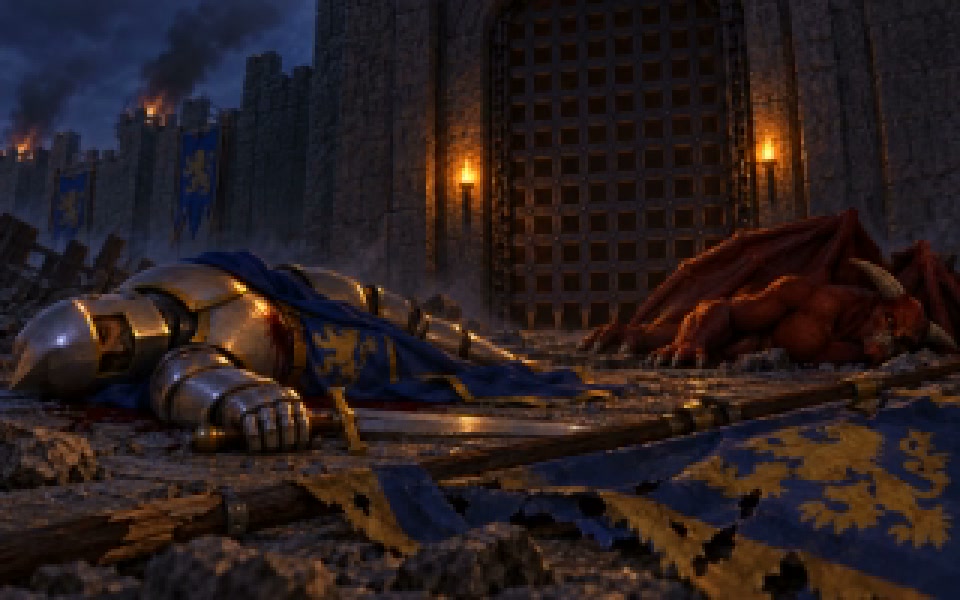
Choose one of four peoples, build a settlement and lead its army. Workers gather and deliver resources, buildings train recruits, and different units give you different ways to fight. A strong army depends on the settlement behind it.
◇ Read the game guide below.
01
Who can you command?
+
Humans, orcs, black dwarves and gargoyles each have their own units and buildings. Learn the available roles before choosing how to defend your settlement or attack another.
Gather resources and keep room for recruits in your settlement. Order training at the appropriate building, then give the new units somewhere useful to assemble. Stronger forces take time and supplies.
Watch the direction your units face, where they are moving and which enemies they can reach. Give clear orders and leave enough space for the force to act. A unit’s role matters as much as its position.
Buildings support the settlement’s work, storage, training and research. Choose what to construct based on the resources and units you need next. A building that cannot be supplied will not solve a shortage.
Workers deliver cargo to stores, recruits travel to training and equipment is fitted at workshops. These jobs continue while you look elsewhere. Watch the flow of people and supplies before committing to another order.
Listen for work, construction and combat around the settlement. Spoken responses and captions help you follow orders and events. Speech and effects have separate volume controls.
Start a skirmish, select a worker and try a gathering order. Build up your settlement before sending a patrol beyond it. The unit guides and player’s manual explain the available roles in more detail.
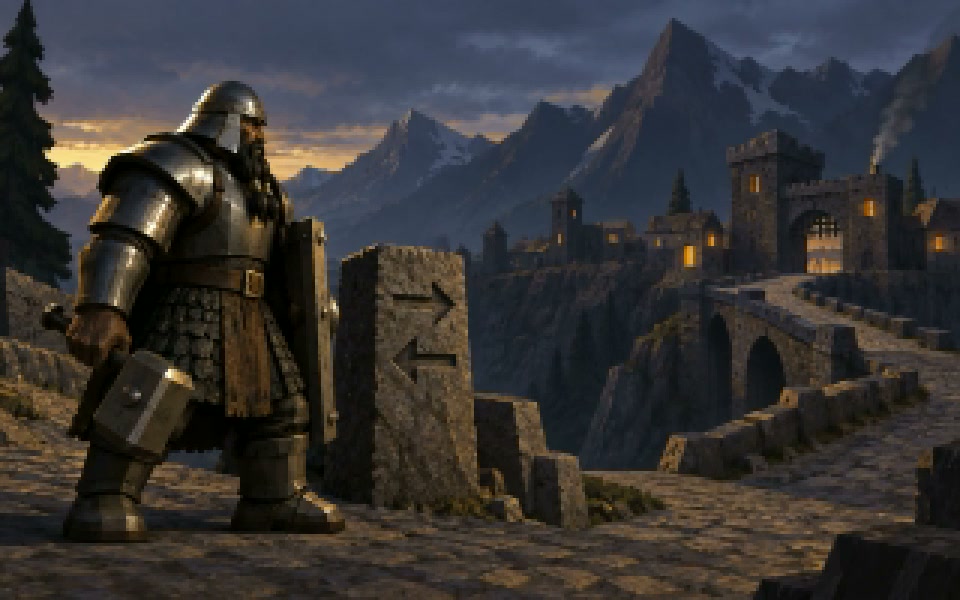
Create a human, orc, black dwarf or gargoyle and explore Golden Keep on foot. Meet its inhabitants, accept quests and learn your abilities before taking on a fight. The current development demo also includes injuries, limited treatment, gargoyle flight and swimming.
◇ Read the game guide below.
01
Who can you play?
+
Choose a human, orc, black dwarf or gargoyle when you create your traveller. Explore the nearby settlement, speak to its inhabitants and learn the movement controls before venturing farther.
Open the Spellbook to inspect your abilities. Spells have different costs, ranges and recovery times, so check your mana and target before casting. Try an ability somewhere safe before relying on it in a fight.
Walk, run and jump through the world, using the camera to look around and judge the terrain. Gargoyles can take to the air; the current demo includes wind flight, Skyfall and swimming.
Keep track of your target and the space around you. Enemies can retaliate, and the current demo includes injuries to different parts of the body. Treatment is limited, so avoid taking damage you do not need to take.
Explore settlement streets, caves and the Pixie Garden. The gallery shows some of the people and places you can encounter, including views from earlier stages of the game.
Talk to nearby characters and check the Quest Scroll after accepting a request. Goruk is one of the people with work for you. Read the objective before heading out, and save your progress when you can.
Listen to nearby characters and to the sounds of an encounter. Give a conversation time to finish before moving away. In a fight, watch the action as well as listening for its cues.
This is a development demo of the authored world. Animation and performance are still being improved, and Windows play needs more testing on a Windows PC. The download panel identifies the edition available for your platform.
Create a traveller, explore the nearby settlement and try the Spellbook and Quest Scroll. Learn to move and target before starting a fight. Save before a longer excursion so you can return to your progress.
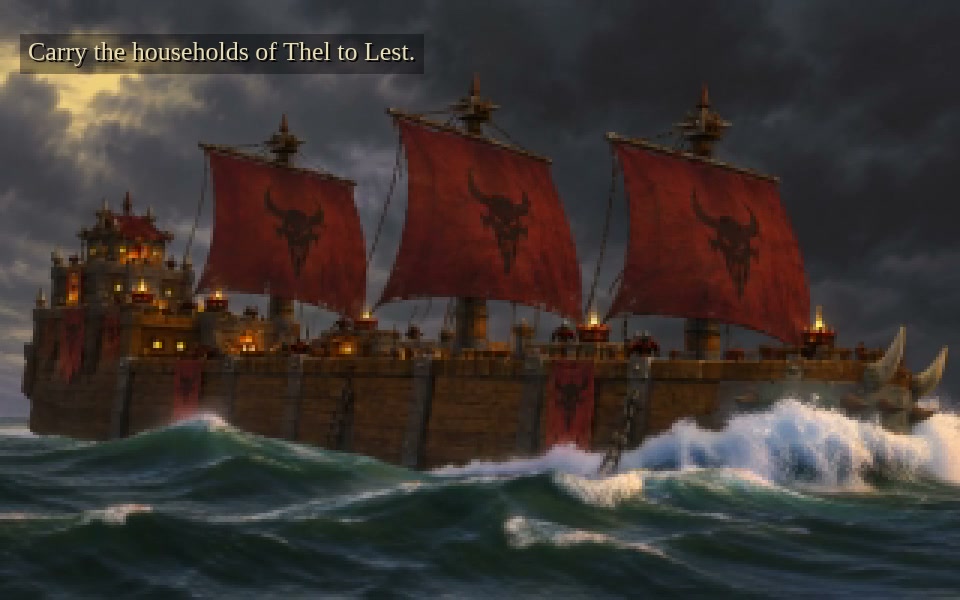
Captain a wooden hulk carrying the households of Thel towards Lest. Read the chart, manage the sails and give the crew time to carry out your orders. Walk the deck to see the people depending on the crossing.
◇ Read the game guide below.
01
How do you begin?
+
Play in a desktop browser. Start Captain’s Practice to learn the helm and harbour work, then try the migration opening. The books and instruments explain the jobs you need to perform.
An enormous wooden hulk carries sixty people across the Golden Ocean. You can leave the bridge and walk among them before returning to the helm. The size of the vessel makes room and timing matter.
Crew members must reach their stations and do the work. Watch the actual sail or machinery state after giving an order. In harbour, sending lines, making them fast and hauling alongside are separate steps.
Work, rest and illness affect who is available for a job. A person travelling to one station cannot work at another at the same time. Plan duties around the people you have ready.
Use the chart to choose a course, then steer it yourself. Wind, current and swell affect the passage. Leave the hulk room to turn, and reduce sail when rough weather calls for it.
The households aboard are leaving Thel for Lest. The current campaign follows six passages, with receiving space, supplies and obligations at the far shore. Arrival is part of the community’s journey.
Crew speech, bells and the sounds of the hull and rigging help you follow work on board. Captions and replay let you return to a spoken line. Listen for changes as the weather or the vessel’s condition changes.
Check who is assigned where, how far the crew must travel and whether important jobs have enough hands. Give an order time to take effect before piling on another. Use the instruments to confirm the result.
The browser alpha includes Captain’s Practice and the migration opening. Learn harbour work before attempting a longer passage. Balance and the broader voyage are still being developed.
Climb by choosing holds, placing your hands and feet, and shifting your weight. Find Your Feet teaches the first wall and the value of resting before your next reach. Beyond it, the Lantern Road leads towards a refuge and the people who live along the cliffs.
◇ Read the game guide below.
01
What is your objective?
+
Start with Find Your Feet and climb the opening wall to the refuge. The wider Lantern Road chapter follows an errand through the inhabited cliffs, with a survey packet to deliver. The demo covers a small part of that world.
Choose a reachable hold for each hand, find support for your feet and shift your weight before reaching again. Carrying your weight on your feet gives your arms a chance to recover.
Look at the stone around you and at the position of your hands and feet. A hold must be within reach. Keep a supported position while you plan the next move instead of stretching for every hold at once.
Watch the wall for handholds, footholds and places to rest. A ledge can give you room to recover and look ahead. Distant towers and settlements show the wider landscape, but the demo follows a limited route.
Once you reach a refuge or settlement, walk around and speak to the people there. Take the opportunity to rest and work out the next part of your errand before returning to the wall.
The refuge is a stop along the route, with residents, a workshop and a spare pulley. Conversations and equipment choices affect how you approach the road ahead.
Contact with the rock, rope movement and the climber’s effort accompany the ascent. The wind changes the feel of exposed places, while the workshop and residents make sheltered stops easier to recognise.
Clipping and re-belaying require a supported position. Rope protection has limits, so do not assume every fall will be harmless. Rest, secure your position and plan your next reach.
Choose Find Your Feet, learn to support your weight and practise recovering a hand. The Windows and Linux downloads include the September 30 walking update and an exploration slice. The full journey is still being developed.
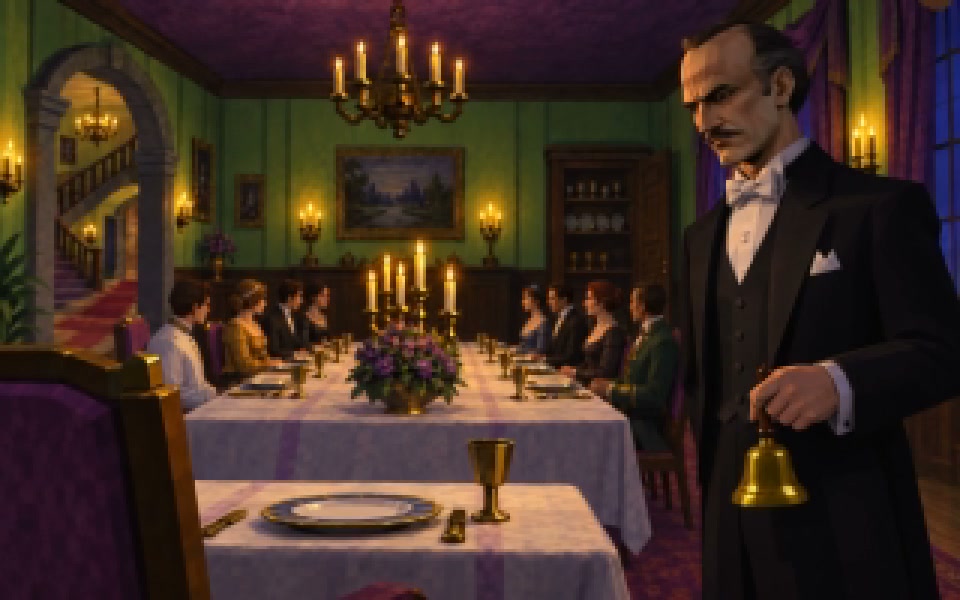
You are the butler at Chantilly, with eight guests expected for dinner. Answer the bell, take their coats and find them around the house. An interruption turns the evening into a mystery.
◇ Read the game guide below.
01
How do you play Chantilly?
+
Click to move through the painted rooms. Approach a guest or useful object to interact with it, and choose what to say when a conversation opens.
Eight guests arrive at the estate. Greet them, put away their coats and listen to what each one wants for supper. Later, you will need to find them around the house.
Start in the entrance hall, then explore the drawing room, dining room and the other rooms of the estate. Look around before moving on; a person waiting nearby may have something to tell you.
Answer the door and receive the arriving guests. You can carry only one coat at a time, so put it away before taking another. Finish the current task before starting the next.
Choose a reply and let the guest finish speaking. Their answers help you learn about the evening and gather supper preferences. Subtitles let you follow the conversation as you listen.
Check who still needs your attention and revisit the rooms you have already seen. Speak to the guests and finish any remaining conversation choices before trying to bring everyone to dinner.
The corrected Linux demo follows arrivals, coat handling, the interruption, the search for all eight guests and the dinner-room ending. Windows and macOS are earlier editions, so some details differ.
Chantilly begins with ordinary duties in an unusual house. Pay attention to the guests, their conversations and the interruption to the evening. Taking your time gives you a better chance to notice what has changed.
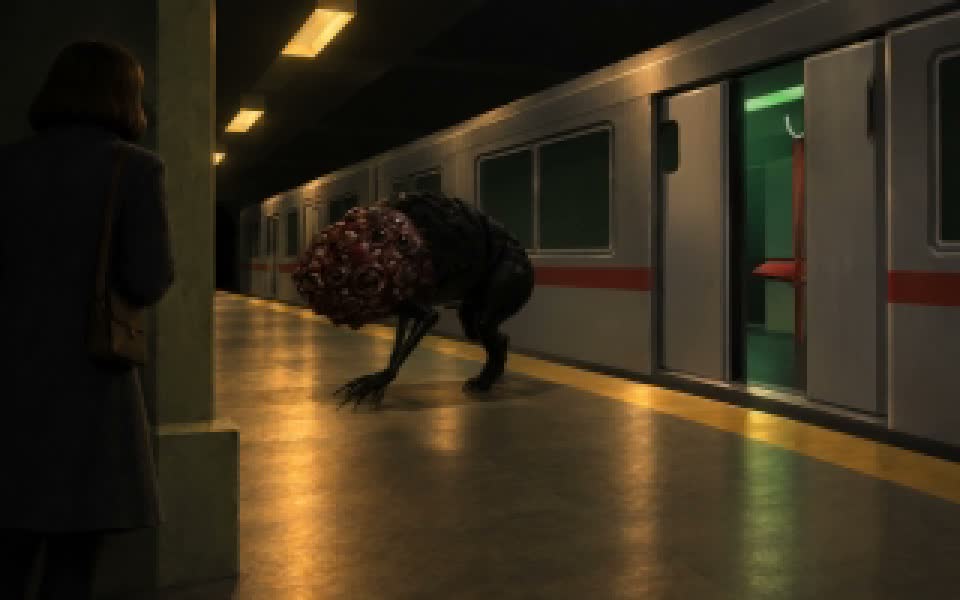
Ride the Night Line, step off at its stations and complete the task waiting there. Keep the train in mind while you explore. Mirrors, relay puzzles and dangerous encounters stand between you and the next stop.
◇ Read the game guide below.
01
What kind of game is this?
+
The Dark Between Stations is a first-person horror game. Walk through the carriages, explore the platforms and interact with the objects you find. Fog and an old-video appearance make the route feel unfamiliar.
You can walk inside the carriages while the train travels. At a station, wait for the doors to open before stepping onto the platform. Remember the route back when you leave the carriage.
Complete the station objective and return aboard the train. Time passing or missing a departure does not solve the task. An unfinished stop can appear again on the route.
Approach and select a mirror, then rotate it while watching the beam. Arrange the reflections so the light reaches the receiver. Its green response confirms that the beam has reached the target.
Watch for clues and changes in the light. At one encounter, staying in threatening green light increases the danger, while darkness gives you a chance to retreat before the attack. The opening relay puzzle resets a wrong attempt.
Keep doors, interactable objects and the path back to the train in view. Take a moment to read the station task before exploring. The game is still in development, and some encounters remain provisional.
The carriage’s steady mechanical sound accompanies the journey. Pay attention when the sounds around you change at a station; an encounter may need a different response from the quiet ride between stops.
The Windows and Linux downloads include the September 30 audio update, the train route and mirror controls. The full campaign is still being made. The gallery includes earlier gameplay views.
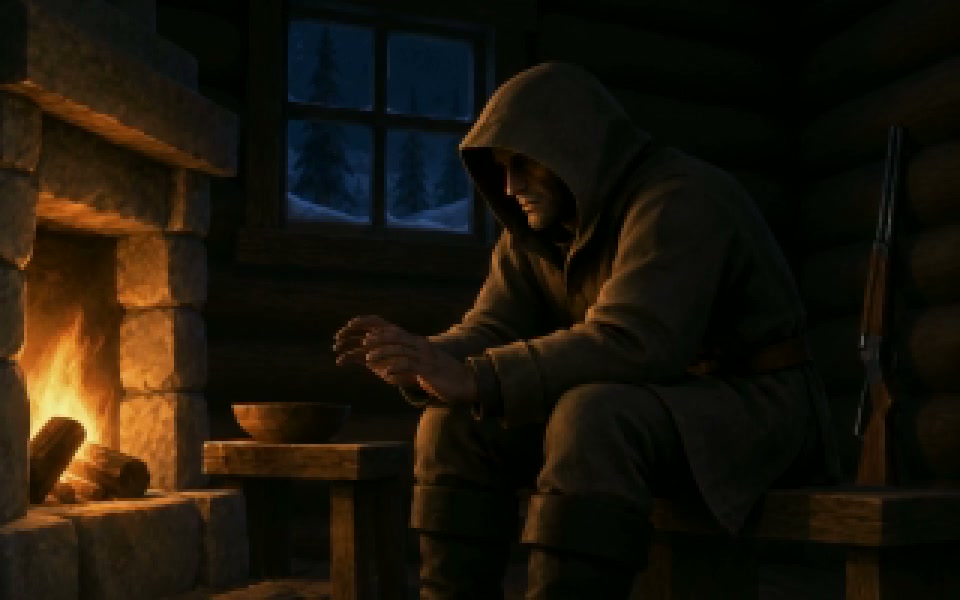
Leave the cabin to hunt, gather supplies and drive the icy road into town. Keep yourself fed and warm, then return home and look closely at what has changed. The current Windows and Linux demo includes the cliff expedition; macOS remains an earlier edition.
◇ Read the game guide below.
01
What do you do in Inhospitable?
+
Survive a trip from your cabin into the snowbound countryside. Hunt for food, warm up by the fire and collect supplies from the clinic and workshop in town. You need to make it home as well as get there.
Explore on foot, use the sled or get into the SUV. The road to town winds along icy cliffs, so take the bends carefully. Press E to enter or leave a vehicle, use WASD to drive and press L for the SUV headlights.
Watch both survival gauges before leaving shelter. Eating restores hunger, while a fire restores warmth. A meal will not warm you up, and the cabin fire will not keep you fed.
Use the field shotgun and follow wounded animals by their blood trails. Collect the meat they leave and eat it when you need food. Keep an eye on your ammunition and press R to reload.
Snow, wind and fog make it harder to see the way ahead. The hunting area and town stand above steep drop-offs, joined by a winding cliff road. Keep your vehicle on the road and leave yourself time to return to shelter.
Wind and footsteps help you judge your surroundings. A shotgun blast is much louder than the sounds around it. Pause the game if you need to adjust the sound or visual effects before continuing.
After your first trip to town, look for wet boot tracks and the opened pantry door in the cabin. Visit the repair bench as you continue the expedition. These changes are part of the playable route.
The October 1 Windows and Linux demo lets you eat, warm up, hunt, drive to the clinic and workshop, return home and save your progress. Continue restores the expedition, including the opened pantry. More campaign regions are still in development; the macOS download is an earlier edition.
Search empty offices, tunnels and the ground outside for a way out. Collect coins, buy supplies and choose equipment for the hazards ahead. Ordinary objects can be useful here, even when the place around them no longer makes sense.
◇ Read the game guide below.
01
What do you do in Your Happy Place?
+
Explore the outdoor and office areas, look through the abandoned furniture and search for a way out. An elevator connects parts of the route. Keep looking for useful supplies as you go.
Collect coins, put credit into a vending machine and choose an item. Pick up what the machine dispenses, then find it in your inventory. Buying an item and using it are separate actions.
Food restores health, SPEEED increases movement speed and a splint treats a broken leg. A gas mask protects against gas when equipped. Infrared equipment changes what you can see.
A fall can damage you and break a leg, slowing your movement. A splint treats the leg; it does not replace other healing. Gas is a separate hazard, so equip the mask when you need protection.
Check that the item you need is equipped or used, rather than simply sitting in your inventory. The gas mask and infrared goggles change the view in different ways. Infrared equipment does not let you see through every wall.
The environment, vending machines and your own actions have different sounds. Give yourself time to hear what is happening nearby while you explore. A purchase cue can help confirm that the machine has responded.
Saving keeps your location, health, money, inventory and relevant body conditions, including a broken leg. Save before a longer trip and use Continue to return. Do not assume every door or loose object will stay exactly as you left it.
The October 3 Windows and Linux update repairs the hatch stairs, restores the ladder and fixes backrooms walls and baseboards, alongside earlier gameplay fixes. The macOS download remains the earlier v0.1.0 edition. Extract the complete archive and keep its files together before launching.